01
Map
Who uses it, what they need to do and where they get stuck.
UI/UX for your app, dashboard or client portal, designed for ease and results.

People don't leave an app because it looks plain. They leave because they can't find what they came for.
Every confusing screen costs you something: a support email, a cancelled subscription, a client who stops logging in to the portal you paid to build. Most of those problems are decided long before a developer writes any code.
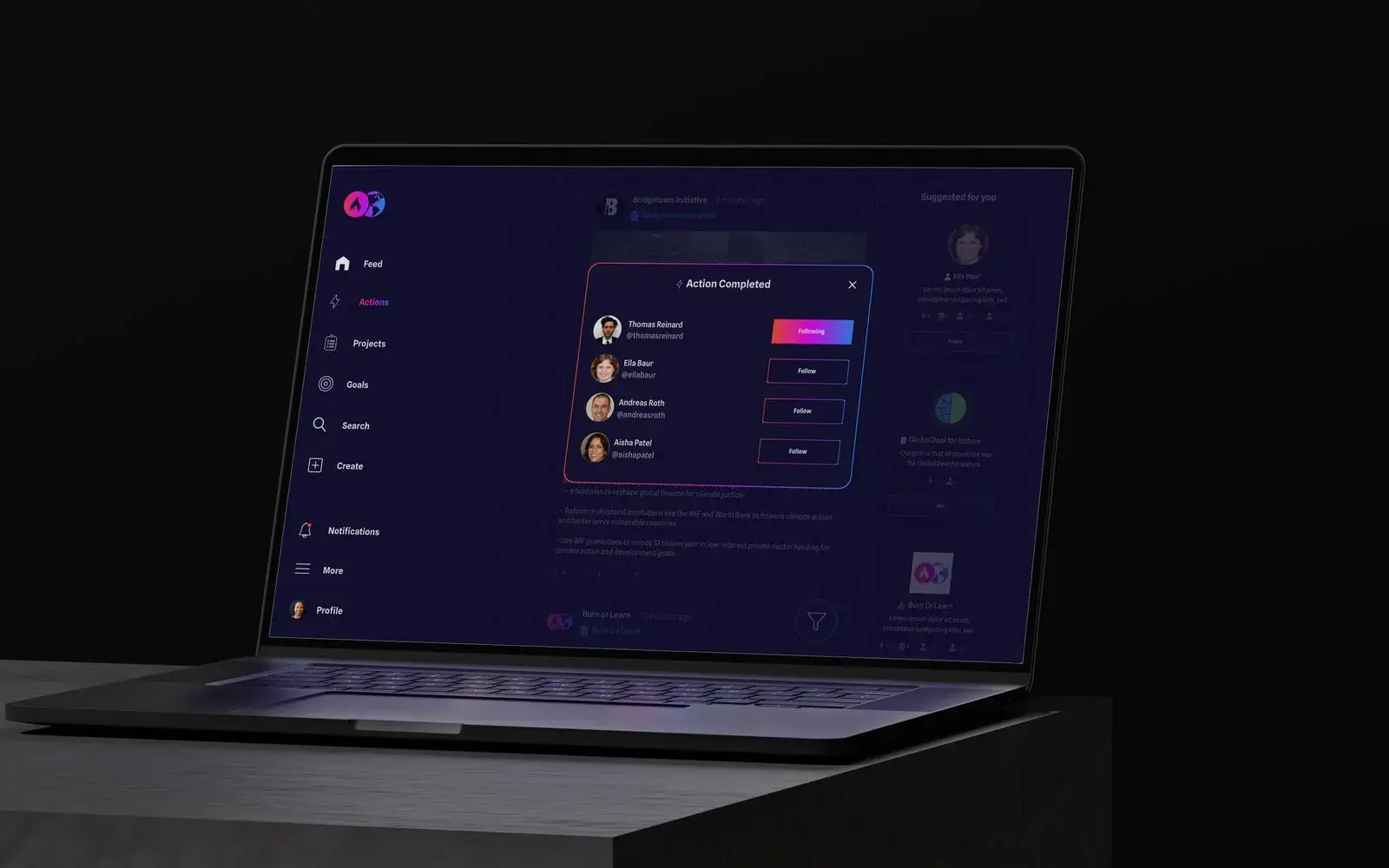
As an app design agency, we start with the people using it. We map what they need to do, the order they do it in and where they get stuck, then design every key screen around that, for desktop and mobile. You see it working as a clickable prototype before anything is built. Recent work includes coaching, play and games screens for Chess.com, and app screens for Retirement Capital.
When the design is agreed, your developer gets everything they need to build it properly the first time: screens, states, components and notes. That means fewer questions, fewer rebuilds and a product your users enjoy coming back to.
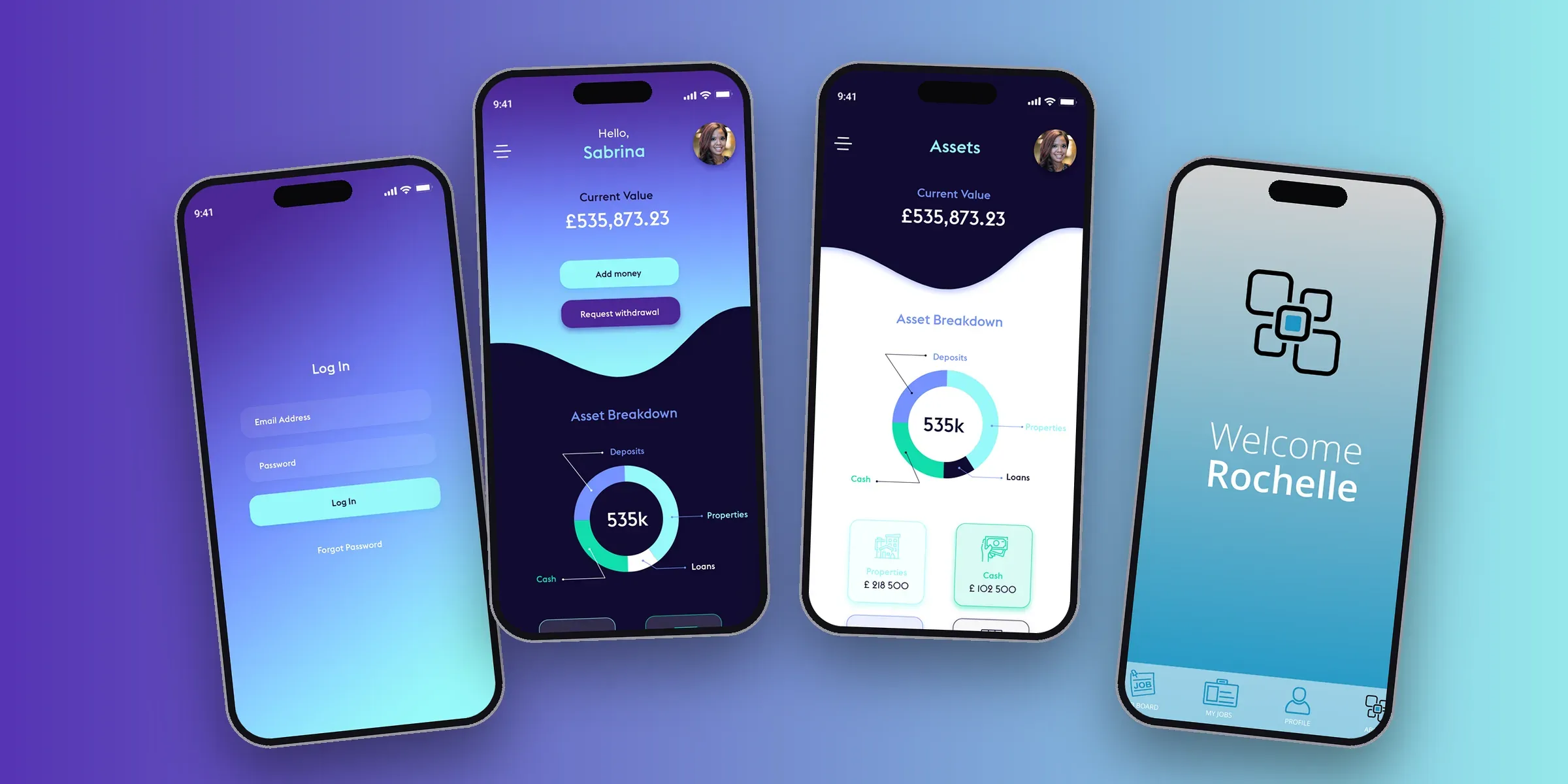
Our app and software design service covers apps, dashboards, internal tools and client portals. Every project is scoped after a call, because a single portal and a full platform are very different jobs, and we'd rather price what you actually need.
Who uses it, what they need to do and where they get stuck.
The key screens, for desktop and mobile.
A clickable version you can test before anything is built.
Everything your developer needs to build it right first time.
You have a product idea and need it designed before a developer builds it.
Your internal tool or client portal works, but people avoid using it.
You're getting too many support questions about things the product should make obvious.
You need the app built as well as designed. We design the screens and hand them to your developer; we can recommend one if you don't have one.
No. We design it and hand it to your developer, with everything they need to build it properly.
It depends on how many screens and user types it needs, so we scope it on a call. You'll see a starting price in our price guide.
Yes. We look at where people get stuck now and fix that first, rather than redesigning for the sake of it.
Yes. Once the final invoice is paid, the designs and files are yours.
One paid session that catches what you didn't know before it costs you thousands. A findings document, sitemap and firm quote in 5 working days, yours to take to any agency.
Being no bullsh*t means being transparent. We let you see exactly what we charge for each layer of what we provide so you can tailor it to your budget.